
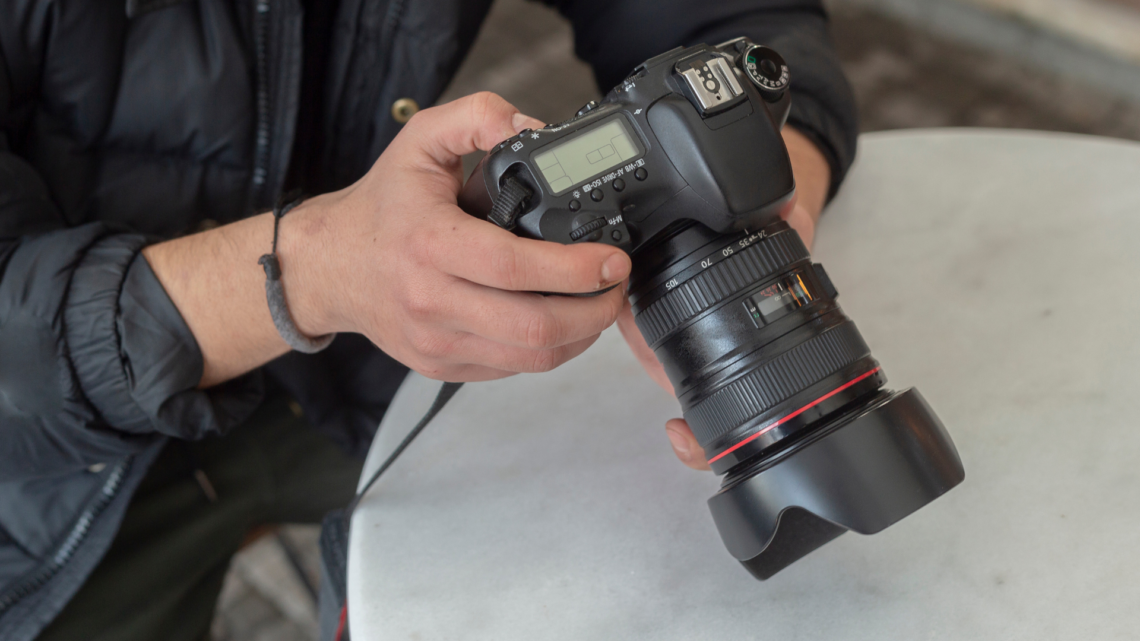
You can stop losing shots to blur by controlling the three things that matter most: light, stability, and focus. Use enough light or a faster shutter, steady the camera or your body, and confirm focus before you press the shutter to get consistently sharp photos.
They will learn simple habits and quick camera settings that make blur avoidable, whether shooting with a phone or a DSLR. Practical tips will show how to steady your hands, choose the right shutter speed, and use autofocus modes to lock onto the subject.
The next sections break down easy, actionable techniques you can apply immediately to cut blur from your workflow and improve every shot.
Essential Techniques to Avoid Blurry Photos
The most important actions are steadying the camera, selecting a shutter speed that matches subject movement and focal length, and ensuring precise focus. Proper aperture and ISO choices, supported by stabilization tools and clean optics, complete a reliable workflow for sharp images.
Keep the Camera Steady to Prevent Camera Shake
They should brace the camera using a firm handholding technique: elbows tucked, feet shoulder-width apart, and the camera body close to the face. Use the viewfinder rather than the LCD for extra contact points and stability.
When handholding, follow the minimum shutter speed rule of thumb: 1 over the focal length for full-frame (for a 200mm lens, 1/200s). For APS-C, multiply focal length by the crop factor before inverting (200mm × 1.5 → 1/300s).
Use two-handed holds and controlled breathing. Exhale and gently press the shutter at the end of the breath to reduce motion. For people who must steady further, adopt a wall, railing, or a bag as an improvised support.
Choose the Correct Shutter Speed for Sharpness
They must match shutter speed to subject movement and focal length. Static subjects often require only the minimum handheld shutter speed (1/focal length), while moving subjects need much faster speeds—1/500s or faster for walking people, 1/1000s+ for fast sports.
When using slow shutter speeds for creative motion blur or low light, pair them with tripods or image stabilization. Use burst mode and select the sharpest frame from a sequence when shooting handheld at marginal speeds.
Monitor exposure when increasing shutter speed: Raise ISO first to avoid opening the aperture beyond the desired depth of field. If ISO boost creates excessive noise, add artificial lighting or use a tripod to allow longer exposures.
Master Focus: Autofocus, Manual Focus, and Focus Points
They must understand autofocus modes and when to override them. Set AF-S/One-Shot for stationary subjects and AF-C/Continuous for moving subjects; use single-point AF for precise placement on eyes or critical details.
Use back-button focus to separate focusing from the shutter release and prevent refocusing during recomposition. When autofocus struggles—low contrast, low light, or through glass—switch to manual focus and magnify the live view for a critical check.
Choose focus points deliberately. The center or a selected cross-type point often provides the most reliable lock. For portraits, focus on the nearest eye; for landscapes, focus one-third into the scene for optimal depth of field.
Optimize Aperture and ISO for Image Clarity
They must balance aperture for sharpness: avoid extremes. Wide apertures (f/1.4–f/2.8) create shallow depth of field and can blur parts of the subject; narrow apertures (f/16–f/22) increase diffraction and reduce micro-contrast.
Aim for the lens’s “sweet spot” (often f/5.6–f/8 on many lenses) for peak sharpness. Increase ISO to allow a faster shutter speed while keeping the aperture in that optimal range. Use the lowest ISO that achieves the required shutter speed to minimize noise.
When shooting in low light, add controlled artificial lighting or reflectors to keep ISO low. Consider modern mirrorless cameras with better high-ISO performance if consistently shooting in dim conditions.
Utilize Tripods, Monopods, and Remote Shutter Release
They should use a tripod for long exposures, low-light scenes, and precise composition. Select a sturdy tripod rated above the camera+lens weight and lock all leg joints before positioning.
Monopods improve mobility while reducing vertical shake; use them for sports and wildlife where quick repositioning matters. Use a remote shutter release (wired or wireless) or the camera’s self-timer to eliminate shutter-press vibration.
When using a tripod, enable mirror lock-up or electronic front-curtain shutter on DSLRs to minimize mirror slap. Stabilize the tripod by hanging a weight from the center column in windy conditions.
Leverage Image Stabilization and Vibration Reduction
They should enable image stabilization (IS/VR/OSS) for handheld shots at slower shutter speeds. IS helps several stops lower than the minimum handheld shutter speed, but it cannot freeze subject motion—only camera shake.
Turn stabilization off on a tripod to prevent IS systems from introducing micro-movements. Use lens-based IS for long focal lengths and in-body image stabilization (IBIS) for any lens mount; some systems combine both for improved results.
Understand limits: IS effectiveness varies by camera and lens. Check manufacturer guidance for expected stops of improvement and test in real shooting conditions to set realistic shutter speed goals.
Understand and Address Different Types of Blur
They must identify whether blur is from camera shake, motion blur, or focus errors. Camera shake looks like a slight smear across the image and often occurs at slow shutter speeds. Motion blur follows subject direction and increases with subject speed.
Out-of-focus blur looks soft across regions and often relocates as the focal plane changes. Diagnose focus issues by checking focus point placement, magnified images on the camera, and whether the lens front/back focuses (back/front focus).
Address each type specifically: faster shutter speed for motion, stabilization or support for camera shake, and AF adjustments/manual focus for focus errors. Use test charts or live-view magnification to confirm focus accuracy for problem lenses.
Clean Lenses and Use Quality Equipment
They should regularly clean front and rear elements with a blower, lens brush, microfiber cloth, and lens solution to remove dust, fingerprints, and smudges that reduce apparent sharpness. Avoid abrasive wipes and excessive pressure.
Use quality lenses—prime lenses and high-quality zooms typically resolve more detail and suffer less chromatic aberration. Prefer prime lenses for critical sharpness; prime and high-quality zooms usually have better contrast and less softening.
Remove low-quality UV or cheap filters that can degrade image clarity. If using filters, choose multi-coated optical-grade versions. Replace worn autofocus mechanisms or have lenses calibrated if persistent focus issues occur.
Adjust Autofocus Modes for Moving Subjects
They should select AF-C/Continuous for tracking moving subjects and set appropriate AF-area modes—zone or 3D tracking for unpredictable movement, single point or expand for controlled paths. Combine AF-C with back-button focus for steady tracking.
Use predictive tracking and enable subject detection when available on mirrorless cameras; these systems use AI and subject-specific algorithms to maintain focus on faces, animals, or vehicles. Increase shutter speed to freeze action when tracking is successful.
For fast action, use burst mode to capture multiple frames; pick the sharpest frames during post-processing. Pre-focus on a point the subject will pass to reduce focus lag when autofocus cannot keep up.
Avoid Digital Zoom and Use Proper Focal Length
They should avoid digital zoom because it crops and interpolates pixels, reducing detail and increasing blur-like softness. Instead, move closer physically or use an optical zoom/longer focal-length lens.
Choose a focal length appropriate for the subject size and distance. Longer focal lengths magnify small movements, requiring faster shutter speeds or stabilization. Apply the 1/focal length rule and increase shutter speed or use a tripod for telephoto work.
When constrained, shoot at the camera’s highest resolution and crop in post to control framing without the quality loss from on-camera digital zoom. Prefer prime lenses for consistent sharpness across apertures.
Apply Post-Processing to Fix Minor Blur
They should attempt sharpening in software only for small, correctable softness. Use tools like Unsharp Mask, Smart Sharpen in Photoshop, or Topaz Sharpen AI; apply selectively to edges and avoid increasing noise.
Start with noise reduction if high ISO caused grain. Apply small amounts of local sharpening to areas of interest—eyes in portraits or texture in landscapes—using masks to protect smooth tones like skies or skin.
Recognize limits: post-processing cannot restore severely out-of-focus images. Keep original files in RAW to retain maximum detail for sharpening and to adjust exposure, contrast, and clarity without clipping.